
Delivery
The customer picks their building and unit number and can share their location, and your riders get these details in their WhatsApp group.
Home / Blog / How to get more reviews for a delivery restaurant
Most customers leave a review when a restaurant asks. One automatic WhatsApp message after every delivered order, with your Google link and nothing in return, does the asking.
Agha Shah Zaman · Co-founder, Get Menu · 7 October 2026
How to get more reviews for a delivery restaurant: ask every customer, once, soon after the food arrived, with the link in the message and nothing offered in return. GetMenu's automated review request sends that message 30 minutes after an order is marked delivered, with your Google review link, by WhatsApp from your own number or by text from your own SIM.
BrightLocal's Local Consumer Review Survey found that 65% of consumers left reviews in response to requests from a business. Left alone, only 10 to 15% of satisfied guests leave a review on their own.
DoorDash's advice to restaurants is to ask within one to two hours after a delivery order, while the meal is still fresh in memory. A meal is eaten in one sitting and soon forgotten, so ask the same evening. Half an hour after the order is marked delivered is GetMenu's default, and you can change it.
The whole method is one message that sends itself, set up once.
The request goes from your own WhatsApp number, the same number that sent the order messages. To protect that number, the chat starts from the customer's side: after checkout, WhatsApp opens on their phone with the order written out, and they send it to you. Pair a spare Android phone and the request can also go as a text from your own SIM. It goes to the phone number the customer typed at checkout.
A sticker or card in the bag is seen by whoever opens the bag, often while they are busy with the food. Then it goes in the bin. A message after delivery reaches the person who ordered, on their own phone, after they have eaten. The review box is one tap away.
Agha Shah Zaman, a co-founder of GetMenu and a business technology analyst, puts it this way. "A sticker is easy to ignore. A message on their own phone, after the meal, is easy to answer."
Asking only the customers you think were happy is called review gating. Google forbids it, as Applause's summary of Google's review rules explains, and Google's own help page says that offering anything in exchange for a review is strictly prohibited.
GetMenu sends the request after every delivered order. The customer who had a small problem may reply to you in the chat. That gives you a chance to fix it. Either way, you asked everyone.
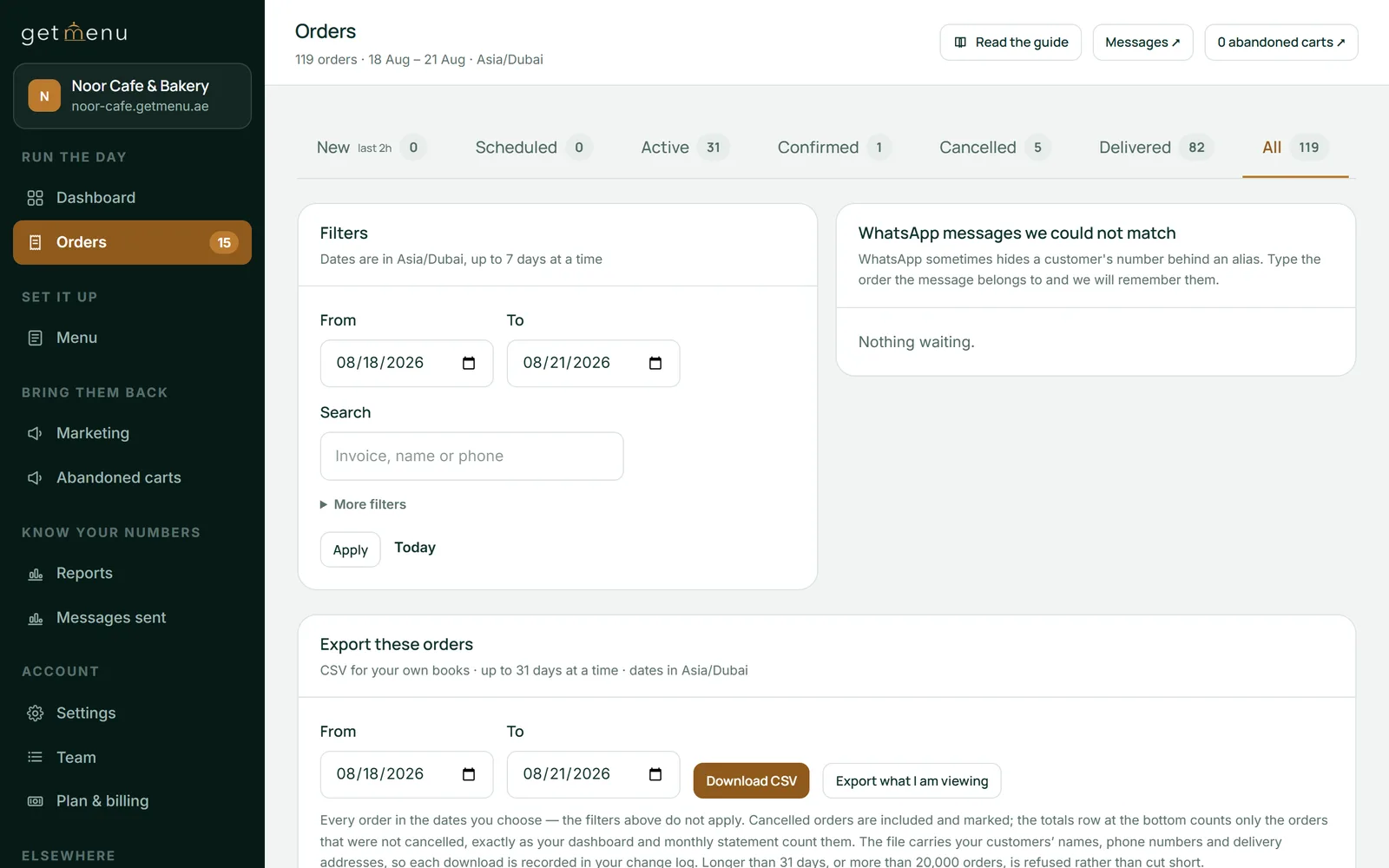
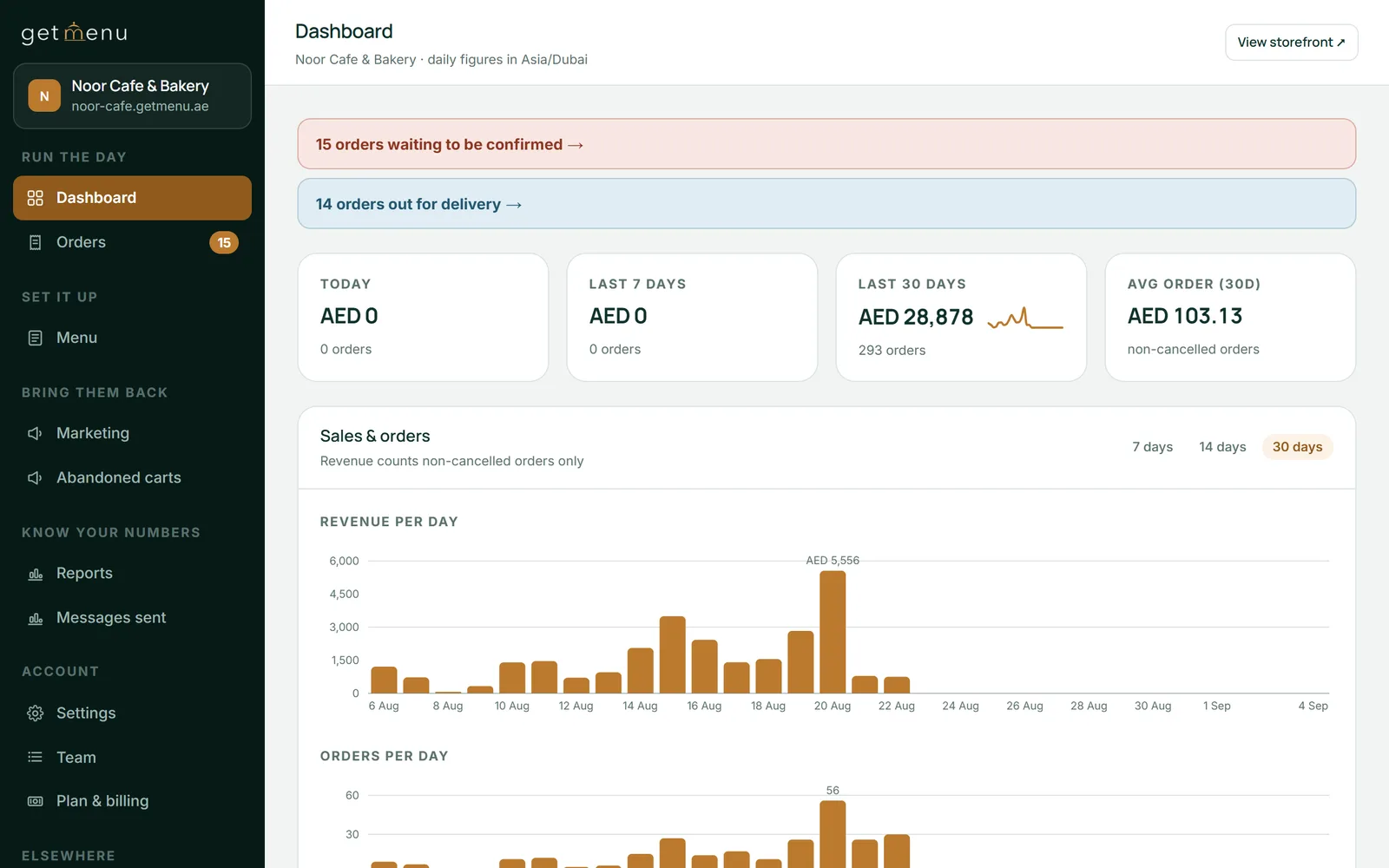
The link in the message is a short link, so GetMenu counts the taps. Your dashboard shows how many review links went out and how many were tapped, on every plan. On the Growth and Pro plans, the Tracked links report lists each link with its order, its customer and its taps (see the plans).
The request goes out from your own WhatsApp number, so a reply comes back to the same chat. Answer within the hour, in plain words. Fix what you can, for example a replacement dish on the next order. A customer who feels heard is less likely to post an angry review.
After the review request, the same chat brings the customer back. A "Hungry again?" reminder follows at their usual mealtime. On the Pro plan, regulars move up tiers with their own discounts, and their loyalty card updates itself in Apple Wallet or Google Wallet. On the Growth and Pro plans, coupons with exclusions and expiry dates bring people back, and they are never a way to buy a review (see the plans).
For a meal, the same evening, soon after the food has arrived. DoorDash advises restaurants to ask within one to two hours of a delivery order, while the meal is still fresh in memory. GetMenu's default is 30 minutes after the order is marked delivered, and you can change the delay under Settings, then Automations.
Thank them for the order, give the link, and stop. A request that offers a discount or a prize for a review breaks Google's rules, and one that asks only for five stars reads as pressure. GetMenu's message carries a thank-you and your Google link. An optional reward for tapping the link, never for writing a review, is on the Growth and Pro plans; it starts switched off, and Google's warning is shown before you can turn it on.
Open your Google Business Profile on a computer and select Read reviews, then Get more reviews, then Copy. The link opens the review box with your restaurant already chosen. Paste it under Settings, then Branding & logo, in the field "Google review URL (sent after delivery)". Until a link is there, the review request switch stays greyed out and a warning says nothing will be sent.
Yes, the good and the bad, and keep each reply short. A thank-you under a five-star review takes a minute, and a calm reply under a one-star review is read by every later customer who finds it. Say what you changed, do not argue in public, and take the details to WhatsApp, where the order's ticket already sits in your managers' group.
Ask for Google. The delivery apps already ask their own customers to rate each order inside the app, and those ratings stay there. A Google review shows on the map and in search to everyone who looks you up, including the people who will order from your own page. GetMenu's request carries your Google link only.
Quickly, plainly and without arguing. If the complaint arrives as a WhatsApp reply, fix what can be fixed, such as a replacement on the next order, and say so in a sentence. If it is already a review, reply publicly with the same tone: thank them, say what you changed, and invite them back.
The customer picks their building and unit number and can share their location, and your riders get these details in their WhatsApp group.
A dish gets ordered after it runs out when you keep three separate dashboards. With one list, a Sold out switch or a stock count takes it off the page, the tables and the counter together.
Regulars do not leave a delivery app out of loyalty to you. They leave when ordering from you is easier and the stamp card is theirs. Here is how to make both true.