
Restaurant inventory app: live stock or full inventory first?
Most small kitchens do not need to weigh the oil. They need the biryani to show as sold out the moment the last portion goes. Here is the difference, and where to start.
Home / Blog / Restaurant management system: orders, counter and customers
One login for the whole day: menu and stock in the morning, orders from four sources during service, the shift close at night, and the reports, invoices and orders export at the end of the month.
Anzul Aqeel · Founder & Director, Anunzio International FZC · 7 October 2026 · updated 16 October 2026
A restaurant management system is software that runs a restaurant's day from one place: the menu and stock, the orders from your ordering page, WhatsApp, phone, tables and counter, the kitchen, the shift close and the reports. GetMenu does this for a small restaurant, from one login. This guide walks through one day and one month and shows what each part does.
Business.com's guide calls a restaurant management system POS software built for food businesses that goes past orders and payments into the back office, and the full platforms it describes add inventory, staff scheduling and even payroll on top. One estimate puts the market at USD 6.72 billion in 2025, growing 18.28% a year, and small chains of 2 to 20 sites are the fastest-growing buyers.
A small restaurant does not need every feature vendors list under this name. It needs the daily work done well: the menu, the orders from every source, the kitchen, the tables, the shift and the customers. GetMenu is restaurant management system software for that work, as a dashboard in any browser and a POS app on devices you own. For the full list of what vendors put under the name, read our guide to restaurant management software.
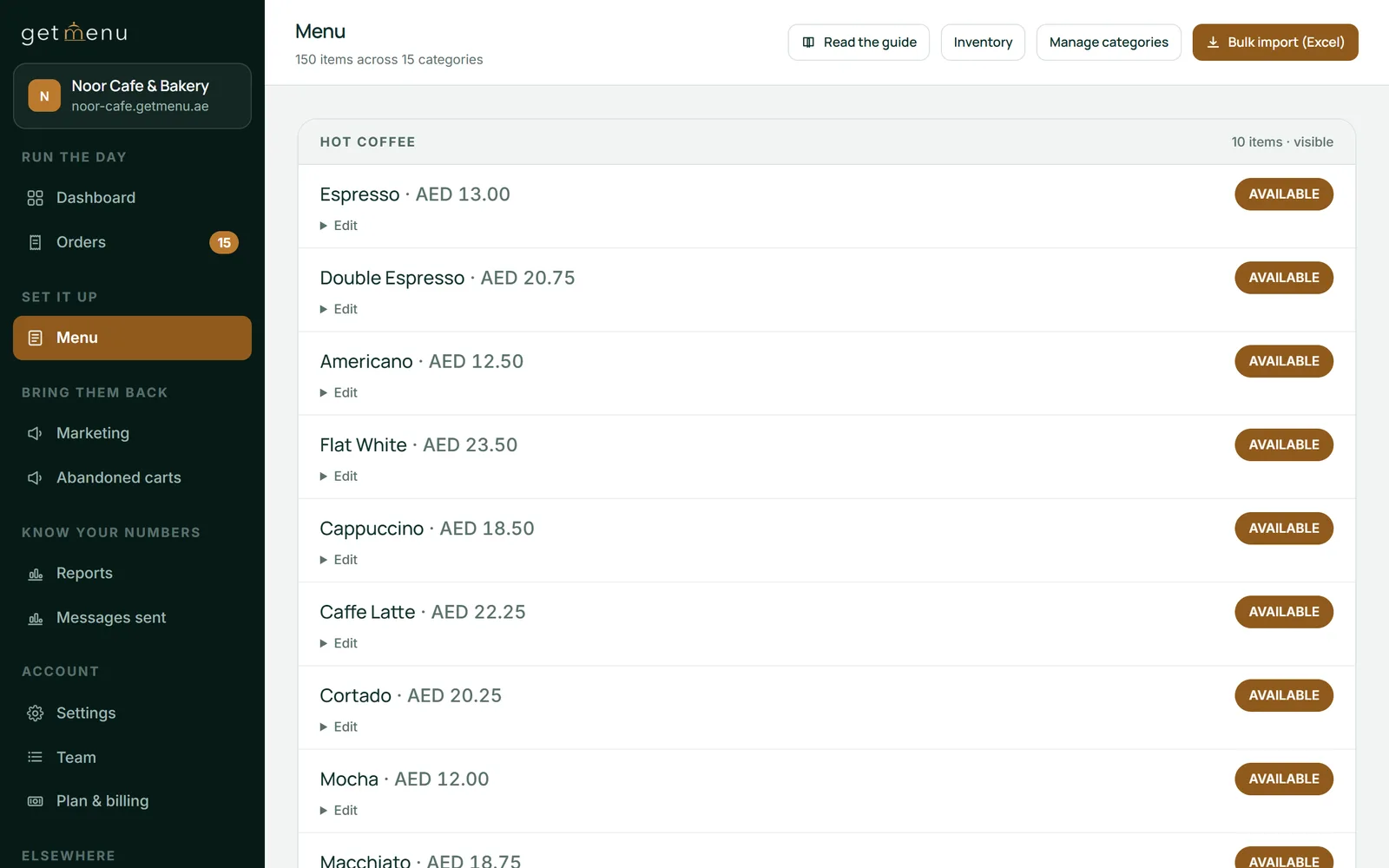
The day starts with what you can sell. Upload the whole menu from a spreadsheet instead of typing it, with categories, dishes, prices and choice groups in one file. Or edit a dish on your phone and watch the ordering page, the table QR menus and the POS change together.
There is one stock list for the counter and the online menu. Stock counts sit on the same menu list, per dish and per choice (the biryani, or only its large size), and they fall as orders come in from every source. At zero the dish is sold out everywhere. Mark a dish None left on the POS and it also comes off the other POS devices and the online menu. An online order that takes a dish below your alert level sends a low-stock warning to the managers' WhatsApp group.
For food cost, list what you buy under Menu, then Ingredients and suppliers, and give each dish its recipe; GetMenu then shows what the dish costs and what you keep, and your orders to suppliers are written and received in the same part of the dashboard. Every sale uses up the ingredients in the recipe, and a cancelled order gives them back. This is the stock side of a restaurant management platform: enough to know what a dish costs and what is left.
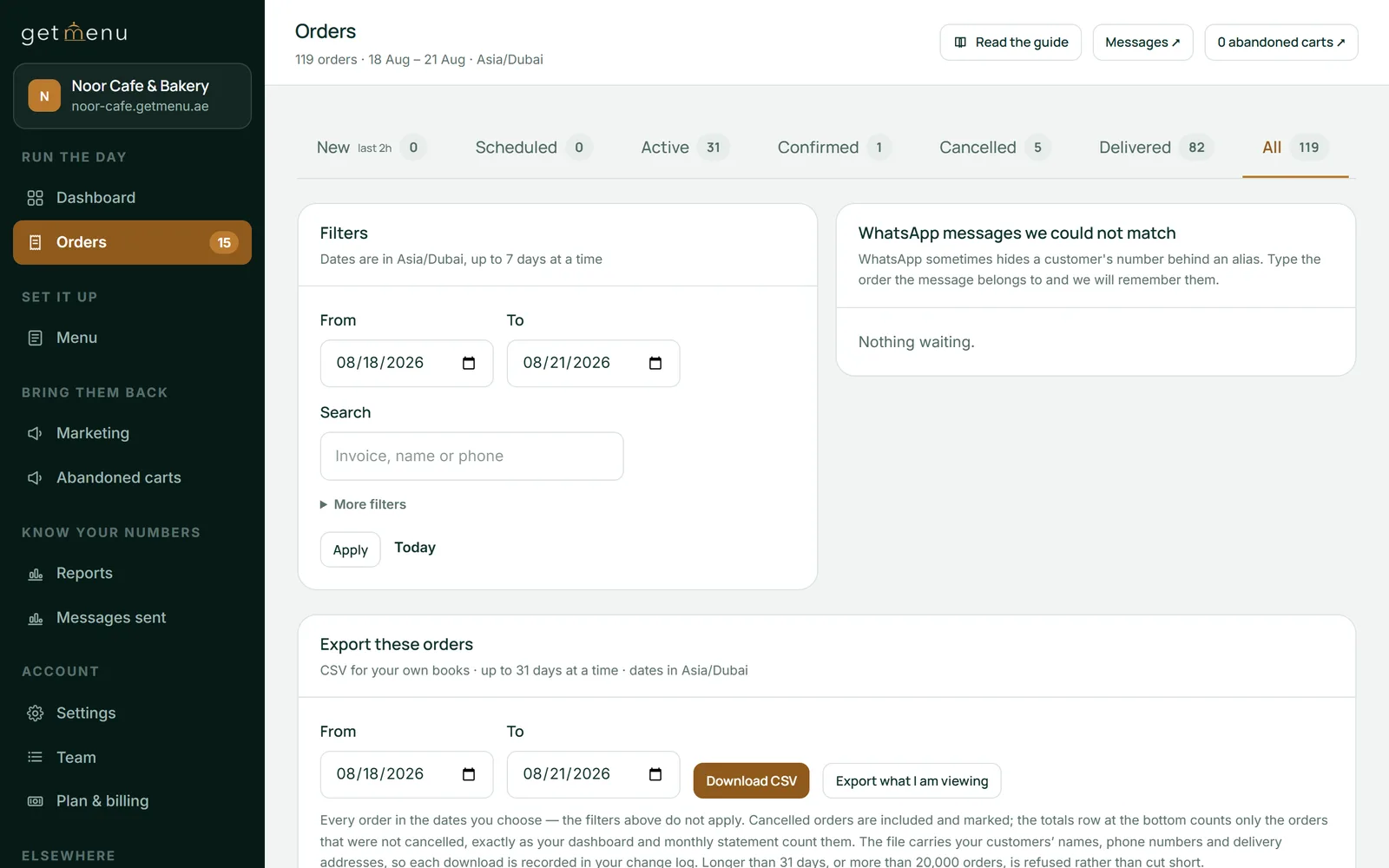
A restaurant order management system is judged at the lunch rush. On GetMenu, orders arrive from four sources, and all four land on one orders board and one kitchen screen. The ordering page at your restaurant's web address asks for the customer's name, phone number, building and unit, and an optional map pin. WhatsApp orders and phone orders are typed in at the POS and go to the kitchen and the riders the same way. On the Growth and Pro plans, a guest scans the table's QR code and orders from their own phone with no address, and the order joins that table on the floor plan. Walk-in sales are taken on the POS app, with online and WhatsApp orders showing on the POS screen beside counter sales.
For a delivery order, three WhatsApp messages go from your own number the moment the order is placed: a confirmation to the customer, a ticket to your managers' WhatsApp group, and a dispatch to your riders' WhatsApp group. The dispatch carries the address, the map pin and whether to collect cash or bring the card machine. The rider taps one link to mark the order delivered.
The kitchen screen runs on any spare tablet and is part of the POS add-on. This is the kitchen management software side of GetMenu. It shows orders from every source in one list. Each dish shows its choices, and an allergy note shows as a red banner. Each order's time shows in colour: green when it arrives, amber near the target time, red when it is late. Every order is on one kitchen ticket: counter, web and WhatsApp orders print on the same kitchen ticket at each station. The spice level and the other choices are printed in bold on the kitchen ticket. A customer's note prints on it too, and an allergy note prints in bold red above the dishes.
Tables run on the same system. With the POS add-on, every device shares one drawn floor plan: white for a free table, dark for a table with an open bill, amber for a table asking for the bill. This is GetMenu's restaurant table management software. The next booking shows on a free table's tile. Waiters add dishes to a table's order from their phones, and bills split by item or evenly. On the Growth and Pro plans, bookings arrive from a Book a table button on your ordering page.
With the POS add-on, the day ends with the cash drawer. A shift opens with a float (the starting cash) and closes with a note-by-note count of expected cash against counted cash. The Z report, the shift summary, prints and is kept. The card machine's batch total is typed in at close, so the report shows the counter's card total beside the machine's. The Z report goes to the managers' WhatsApp group and the owner's email the moment the shift closes, so the owner at home reads it before the cashier has locked the door. Every staff member clocks in and out with their own four-digit PIN, and the Hours worked report shows who was on.
At month end, good cafe management software shows you how the business did. The dashboard shows today, the last 7 days and the last 30 days, with orders waiting, orders out for delivery and the best-sellers by dish. Reports cover the shifts and the POS: sales by shift, the average sale beside the average online order, the gap between expected and counted cash, every Z report, and a CSV of all of it. On the Growth and Pro plans, Message history shows every WhatsApp and text message that went out. Your orders export as a CSV on any day.
Invoices come out of the same orders. On every monthly plan, each order carries its invoice with your details, your tax registration number (TRN) once you add it, and a PDF the customer can download without logging in. Coupons with exclusions and expiry dates are yours to set on Growth and Pro. On Pro, regulars grow into tiers with their own discounts, and the loyalty card keeps updating itself in Apple Wallet or Google Wallet.
The dashboard is an online restaurant management system that works in any browser. The restaurant management app is the POS app, on iPad, iPhone and Android.
Anzul Aqeel, the founder of GetMenu, spent a decade in POS reselling and SMS marketing before building the ordering system himself. "Four systems that do not talk to each other are not four tools. They are one job done four times. Give the day one system."
It does not do payroll, accounting, HR or staff schedules. For staff it only records shifts and PIN clock-ins. It is not built for a large chain's head office: each restaurant has its own account, menu and WhatsApp groups. If you run several, GetMenu can group them on request so one login sees their sales side by side. It takes no online payment, so customers pay cash or on your own card machine, and it books no outside couriers. What it does is the daily work, on devices you own, for a flat monthly plan or a per-order rate on the pricing page, with a 15-day trial and no card. The POS is a yearly add-on with no trial of its own.
Software that runs a restaurant's day from one place: the menu and stock, the orders from every source, the kitchen and the tables, the shift and the reports. Vendors stretch the name to payroll and accounting, but a small restaurant needs the daily work done well. GetMenu is a dashboard in any browser and a POS app on your own devices that does that work.
For a small restaurant: a menu with stock counts and recipes, an ordering page and WhatsApp, phone and table orders on one board, and a kitchen screen. Then tables with a floor plan and bookings, a counter with shifts and a Z report (the shift summary), customer messages, loyalty (Pro plan), invoices and reports. GetMenu covers all of those across its plans and the POS add-on.
The POS takes the sale at the counter and records the payment. A restaurant management system covers the whole day around it: online and WhatsApp orders, the kitchen, the tables, the stock, the customers and the reports. On GetMenu, online and WhatsApp orders also show on the POS screen. The POS app is one part of the system and a yearly add-on; the ordering page, the messages, the stock and the reports are the plan.
One cost guide puts POS software at $0 to $300 a month, hardware at $700 to $2,000 for a standard setup, and card processing at 1.5% to 3.5% per transaction, with management modules on top. GetMenu is a flat monthly plan, or a per-order rate if you prefer, both shown in your currency on its pricing page, with no commission and no processing fees, and the POS as a yearly add-on.
If orders come from more than one source, yes, because otherwise you have four screens that do not agree. A one-counter cafe needs less than a chain, but it still needs the menu, the stock, the orders, the shift and the customers in one place. Start with the part that causes you the most trouble, usually the orders, and add the rest later on the same login.
Yes. The shift and sales reports export as CSV, and the owner can download the orders as a spreadsheet from the Orders board. GetMenu records shifts, PIN clock-ins and the Z report at close, but does no payroll or accounting itself, so the files go to the tools your accountant already uses.
Most small kitchens do not need to weigh the oil. They need the biryani to show as sold out the moment the last portion goes. Here is the difference, and where to start.
A QR code that only shows the menu still leaves guests waiting. A QR code that sends the order to the kitchen and the table's bill speeds up service. Here is how it works and how to set it up.