
Kitchen display system software vs paper tickets
Orders get lost on paper because paper falls, sticks and fades. They get lost on a screen when nobody looks at it. Here is where each wins, and how one kitchen runs both.
Home / Blog / Cloud kitchen software: what a delivery-only kitchen needs
The five jobs a delivery-only kitchen's software has to do, how GetMenu does each, how several brands share one kitchen, and what it leaves to other tools.
Agha Shah Zaman · Co-founder, Get Menu · 6 October 2026 · updated 16 October 2026
Cloud kitchen software is the system a delivery-only kitchen runs on. It takes orders from your own page and the delivery apps, shows them to the cooks, sends the bag to a rider with the right address, and keeps stock the same on every menu. GetMenu does this for one kitchen or for several brands.
Cloud kitchen software has to do four jobs: take orders from your own page and the apps on one board, keep the cooks in order, send riders to the right address, and keep stock the same on every menu. A kitchen that runs several brands needs a fifth job: one kitchen behind several menus.
A cloud kitchen, or ghost kitchen, is a delivery-only kitchen with no dining space for customers. The model is growing. One estimate puts the global market at USD 85.5 billion in 2025, heading for USD 185.7 billion by 2034 at 9.0% a year. Ghost kitchens already take about 12% of restaurant orders in urban areas and average around 120 orders a day, and 85% of them use cloud-based ordering systems.
For most of them the apps are the whole problem. Every order that comes through a delivery app pays the app's commission. The software a kitchen chooses either moves orders to its own page or leaves them where they are.
So the checklist for ghost kitchen software is five jobs, taken here in order. Our guide to cloud kitchens shows the same setup in short. GetMenu does all five on tablets and phones you already own.
The first job is to get more orders on your own page, where no commission is paid. Your own ordering page sits at your restaurant's web address. The customer gives a name and phone number on the cart step. At checkout they pick the building from your list, type the unit number and can add a map pin.
The customer pays cash or by card machine at the door, and a double tap cannot order twice. The moment the order is placed, your WhatsApp number tells the customer, posts the ticket for the managers and hands the address to the riders' group. No commission is paid on any of it.
Put a card with a QR code to your page in every app bag, with a coupon on it. Coupons, with exclusions and expiry dates, are on the Growth and Pro plans.
The apps still send orders, and they land on the same board. Once each app gives you partner access, orders from Talabat, foodpanda, Deliveroo, Careem, Keeta and GrabFood arrive on the same orders board and kitchen screen as your own. Noon Food orders are typed in by hand.
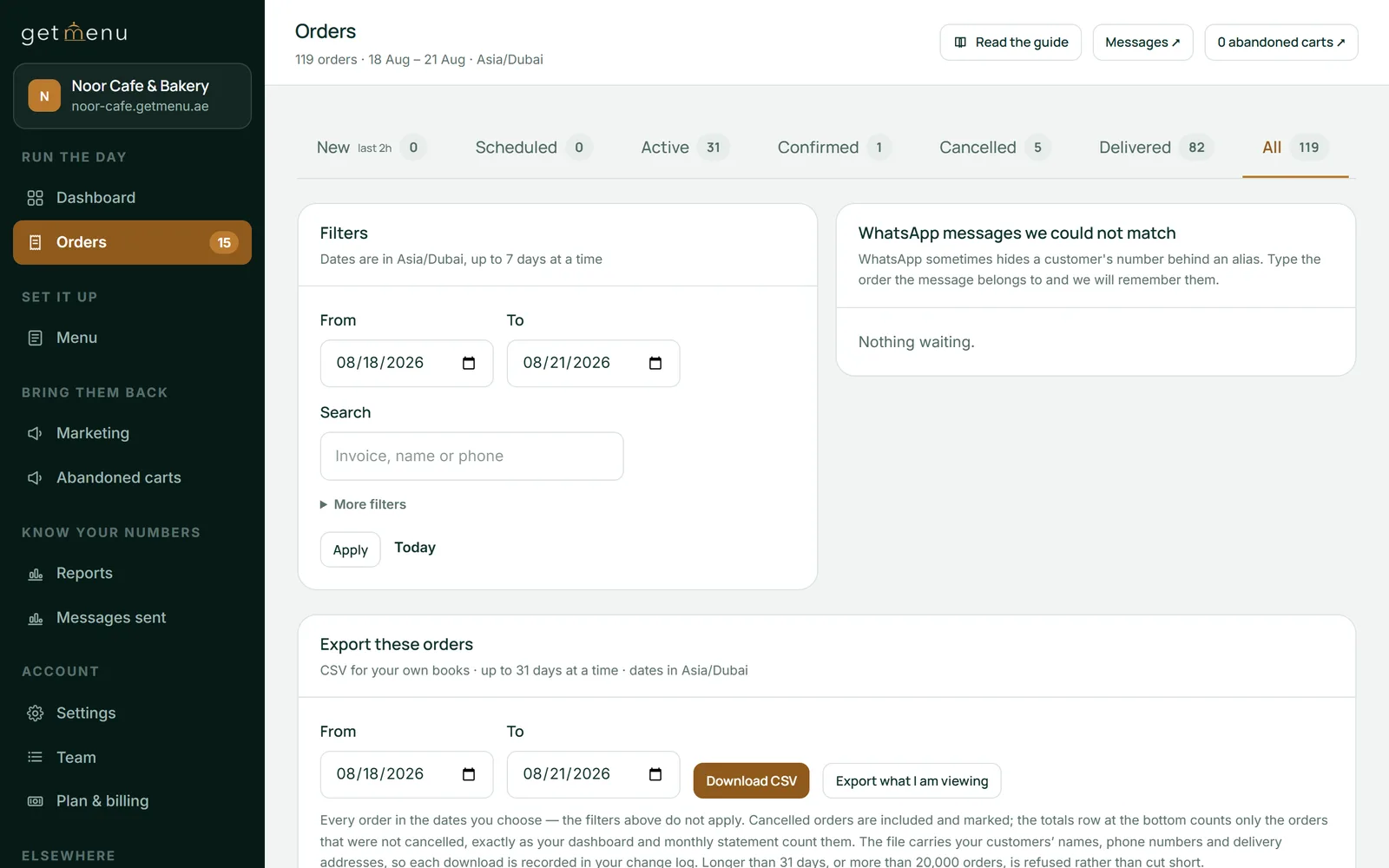
The GetMenu POS app runs on iPad and iPhone, and on Android tablets and phones. Counter, phone, online and WhatsApp orders sit in one list on its screen. For a delivery-only kitchen, that makes it a cloud POS system for restaurant delivery: the orders list and the kitchen screen on devices you own.
The second job is to keep the cooks working in the right order. On GetMenu the kitchen screen and the kitchen printers come with the yearly POS add-on. Kitchen display software for a cloud kitchen is a tablet on the wall that shows every order in the order it arrived, from every channel.
The choices sit under the dish, and an allergy note shows in red. Each order is its own ticket, and a colour ring marks its age: green when it is new, amber as it nears the kitchen's eight-minute target, red when it is late. A cook taps each dish when it is done and taps Ready when the order is finished; nobody shouts.
Stations are how a kitchen management system splits the work. Every order on one kitchen ticket: counter, web and WhatsApp. Every order, from your page, a WhatsApp chat or the counter, prints on one kitchen ticket at each station, on printers over USB (on the LAN), network, Bluetooth or built-in. The ticket has no prices and the order number big and bold, so the grill and the fryer each see their own lines.
The spice level and the other choices are printed in bold on the kitchen ticket. A customer's note prints on the ticket, and an allergy note prints in bold red above the dishes.
The third job is to get the bag to the door. A rider who cannot find the building calls the customer, and the customer calls you. GetMenu sends the rider the building, the unit, the map pin if shared, the phone number and whether to collect cash or bring the card machine.
You can send riders straight from the POS on WhatsApp. Phone orders typed in by your staff are sent to riders the same way. The rider taps one link to mark the order delivered, which tells the customer and, once you have added your Google review link, queues the review request.
GetMenu books no outside couriers. Your riders are your own, and the dispatch is built for them.
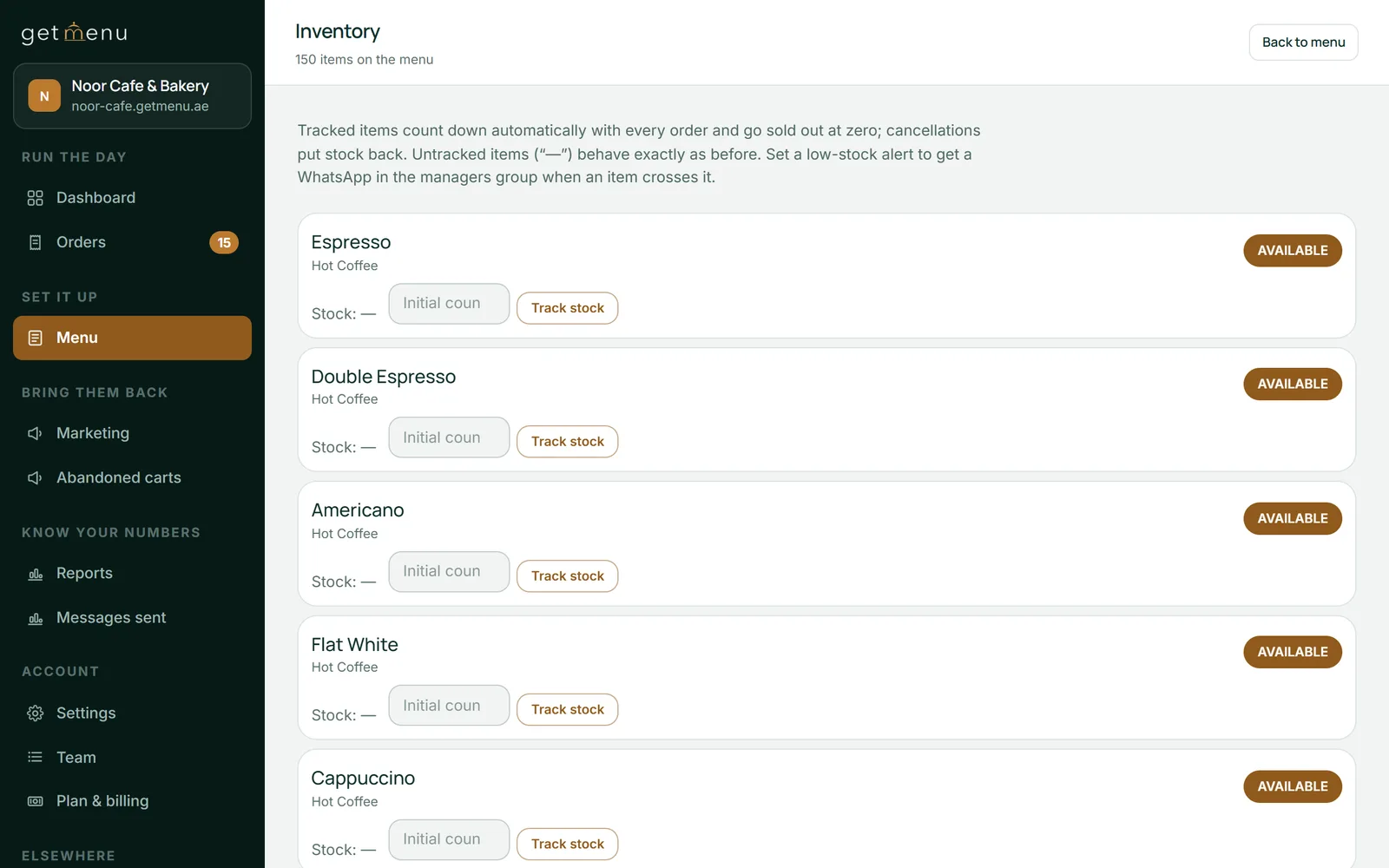
The fourth job is stock that matches on every menu. In a cloud kitchen nobody calls out "no more lamb", so the dish has to go sold out everywhere by itself. GetMenu's kitchen inventory software is a count per dish and per choice.
One stock list for the counter and the online menu: when you mark a dish None left on the POS, it comes off the other POS devices and the online menu too. Counts fall as orders come in from your page, the apps and the counter, and the dish shows as sold out on every GetMenu menu at zero. When you mark a dish None left on the POS or switch it to Sold out, the connected apps are told as well, for dishes you have matched. A low-stock warning goes to the managers' group once an online order crosses your threshold.
Behind the dishes sit the ingredients. Ingredients and suppliers holds what you buy. Recipes and food cost shows what each dish costs you and what you keep. Purchase orders to your suppliers are written and received on their own page.
Upload the whole menu from a spreadsheet when you launch a brand. If you replace an existing menu, GetMenu warns you first, because stock counts start again.
The fifth job is the cloud kitchen's own trick: one kitchen, several brands. On GetMenu each brand is its own restaurant account, with its own menu, prices, ordering page, WhatsApp number and groups. Its logins see only their own outlet.
A menu can be copied from one brand to another. GetMenu groups the accounts for you on request, so one owner login sees their sales side by side. Each brand pairs its own kitchen screen, so a kitchen cooking for two brands puts two screens on the same wall. Our guide to running several brands from one kitchen shows how the bag card brings customers to your own page.
Two limits to know. There is no single page that shows several brands at once. Stock belongs to each brand rather than being shared, so when the lamb runs out for one brand, you mark it out for the other by hand, or its own count does.
GetMenu takes no online payment. Customers pay cash or on your card machine at the door. For a delivery-only kitchen this is the biggest limit, as our cloud kitchen guide also says.
It books no couriers. It is not restaurant kitchen management software in the staff schedule and compliance sense: it schedules nobody and keeps no temperature logs. It is also not central kitchen software or commissary kitchen software, which plan production and transfers from one kitchen to many outlets. GetMenu runs the kitchen that cooks the order, not the one that supplies the kitchens.
The plans are on the pricing page with a 15-day trial and no card. The POS is a yearly add-on with no trial of its own.
Agha Shah Zaman, co-founder of GetMenu, says: "A kitchen with no door has only screens. They must all show the same order, stock and address."
A way for orders to arrive and a way for them to leave. That means its own ordering page for regulars, the delivery apps on the same board, a screen the cooks read, a dispatch a rider can follow without calling, and one stock count behind every menu. GetMenu covers each of those, with the kitchen screen in the POS add-on.
A cloud kitchen is a kitchen that cooks for delivery only, with no dining room, selling through delivery apps, its own ordering page or both. One estimate puts the global market at USD 85.5 billion in 2025, growing 9.0% a year from 2026 to 2034. The model's weakness is its reliance on the apps, because every app order pays the app's commission.
A ghost kitchen is a kitchen that cooks for delivery only, also called a dark kitchen or cloud kitchen. It often runs several brands from one kitchen, each with its own menu on the apps. That is why its software has to handle several menus.
Yes. Each brand is its own restaurant account with its own menu, ordering page, WhatsApp number and groups. GetMenu groups the accounts for you on request, so one login sees their sales side by side. A menu can be copied from one brand to another. Each brand pairs its own kitchen screen, so two brands mean two screens on the wall. Stock is counted per brand, not shared.
GetMenu does not take online payments. Customers pay cash or by card machine when the rider arrives, and the checkout asks which, so the rider brings the machine. For a delivery-only kitchen that is the biggest limit. The trade is that there is no processing fee and no commission on any order from your own page.
Central kitchen software, also called commissary kitchen software, plans production in one kitchen that supplies many outlets: batches, transfers and stock at each site. Cloud kitchen software runs the kitchen that cooks the customer's order: the orders board, the kitchen screen, the riders and the stock for that kitchen. GetMenu is the second kind, and leaves production planning to the first.
Orders get lost on paper because paper falls, sticks and fades. They get lost on a screen when nobody looks at it. Here is where each wins, and how one kitchen runs both.
A kitchen with no sign on the door has to be found some other way. This is what a delivery-only operation in Bahrain actually needs before the first order.